Why Your AI Video Characters Keep Changing (And How to Fix It)
Your AI video character looks different in every scene? Learn why this happens and the only workflow that actually solves it. No more visual chaos.
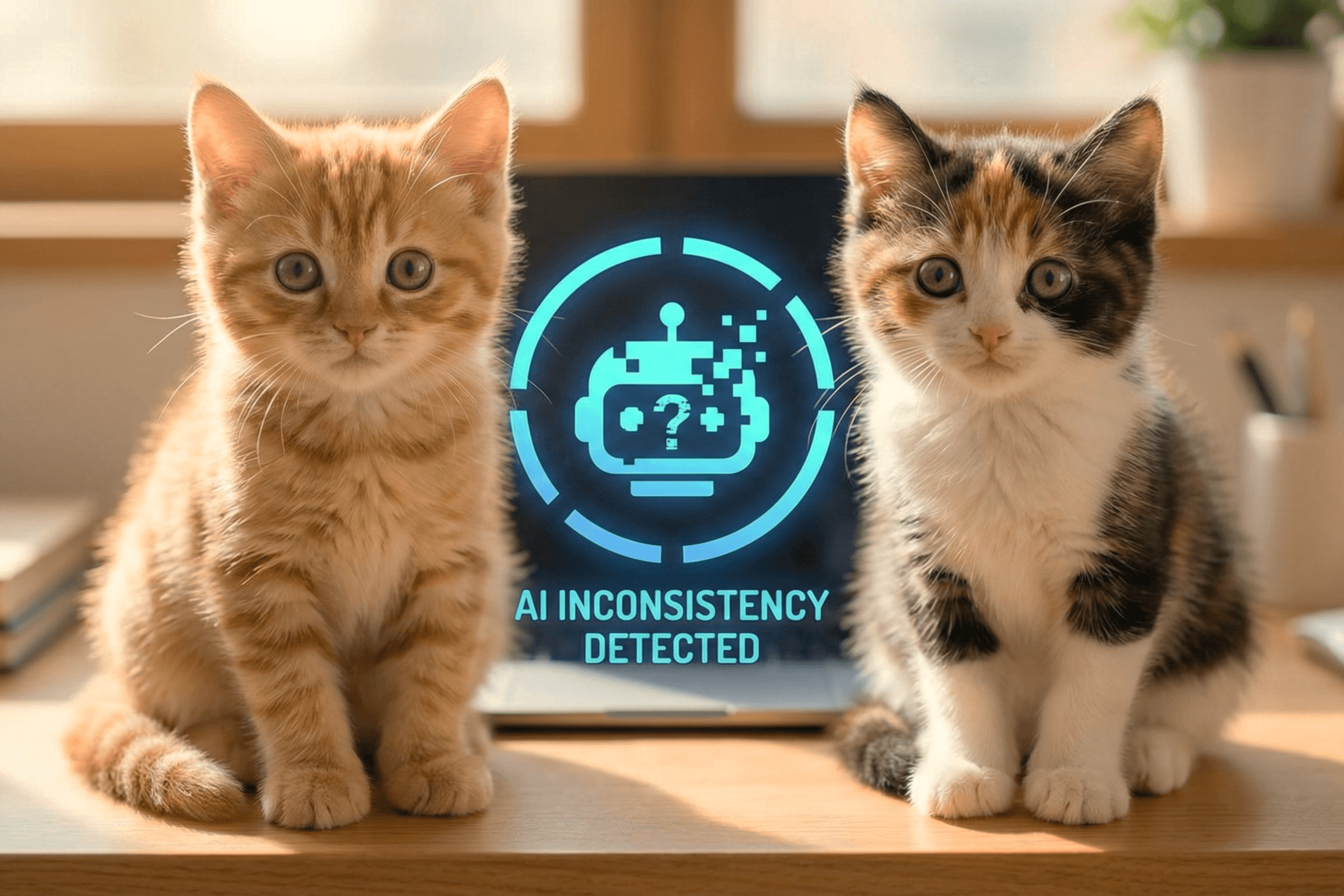
You spent half an hour refining your AI character. The first scene looks fantasticjust what you had in mind. Then you produce scene 2. A completely different face. Another style. Sometimes it's even a totally different person.
You do the exact same prompt. You utilize the same AI model. You even copy your settings from one time to another. Still not working. This is not a bug. This is how AI video generators functionand most creators find out after they have wasted hours.
If you have ever attempted to make a multi, scene AI video with the same character, you have encountered this problem. And if you are here, you are probably fed up with hearing "just use a better prompt. "
Here's the honest truth: prompts alone will never be able to fix this. The problem is more profound, and the solution is to take a completely different approach.
Let's analyze the reasons behind this phenomenonand the way to actually fix it.